
 See it all in three minutes
Brand kit from your website
Turn your website into a brand kit.
Paste your website and Tabitha, BrandTab’s resident sorceress, reads up to eight of its pages and suggests your logos, colors, fonts and words. Nothing is saved until you tick it. Free includes 5 of these smart reads a month; Creative has 100.
- Your first brand is free
- No card needed
- You approve every suggestion
Founding price through January 31: Creative is $12 a month, and stays $12 for as long as you’re subscribed.

Try it here
One link in, a whole brand kit out.
Pick a sample site and press Read it to see how a smart read goes. In BrandTab, Tabitha reads your real website the same way.
Try a smart read on a sample brand
- Finding the real logo
- Matching the true palette
- Naming the fonts
- Drafting the bio, tagline and voice
Flowers for slow, joyful days.Fraunces and Avenir Next · Romantic, grounded, unhurried
A sample: nothing is sent anywhere. Free includes 5 smart reads a month.
- Step one
Paste your website
One address is the whole brief. Tabitha reads your home page and up to seven more, like about, services, press or contact.
- Step two
She brings back suggestions
Logos with their roles, colors with names and hex codes, fonts, your tagline and voice, contacts, links, offers, photos and keywords.
- Step three
You tick what stays
Anything that fills a gap comes ticked. Anything that would replace what you saved waits, unticked, for you to choose.
- Step four
Copy it anywhere
In the web app, with ⌘K, or from your Mac’s menu bar. Logos land on the clipboard as images, ready to paste.
No website? No problem.Sorted, by Tabitha
Or hand her the messy folder.
Drop in up to 300 files, tidy or not. Tabitha works out what each one is, groups versions of the same logo, keeps the newest and sharpest, and builds a palette from the logos. Your files stay on your computer until you choose what to keep.
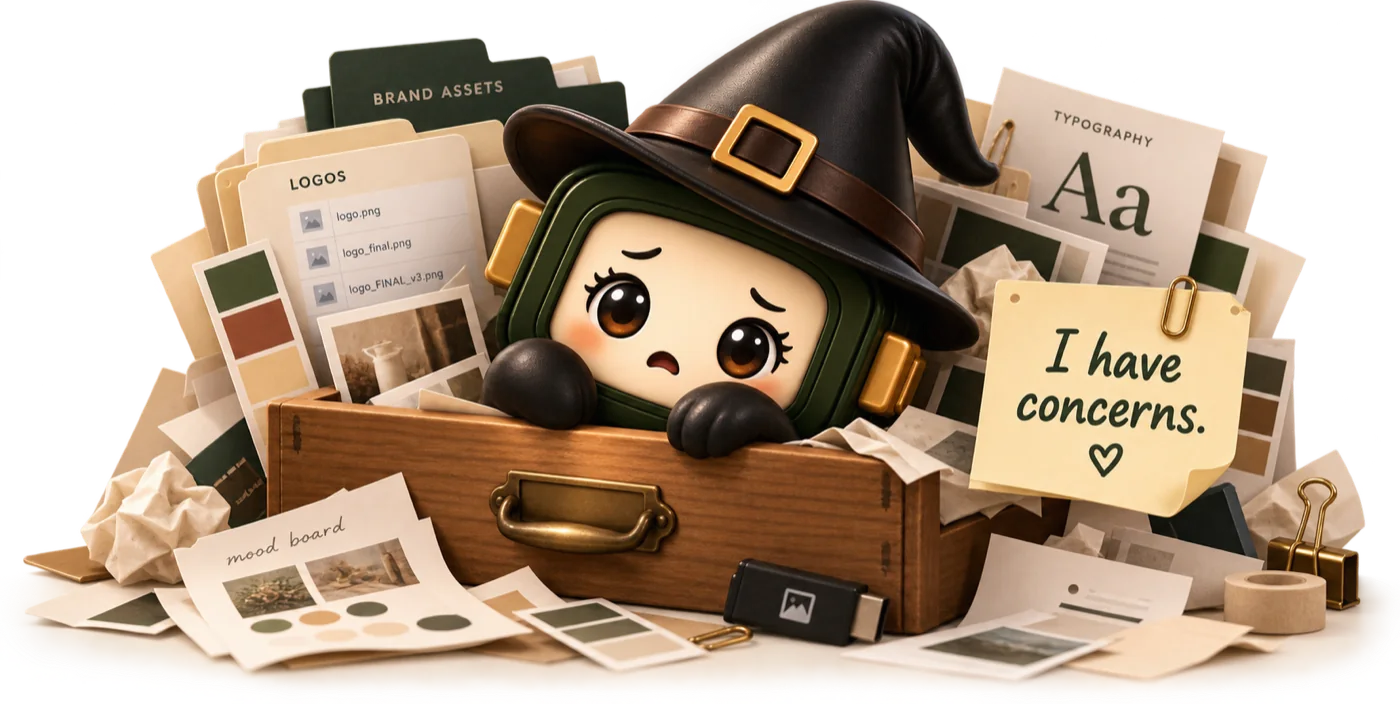

Logos
Colors
Words
Mood board

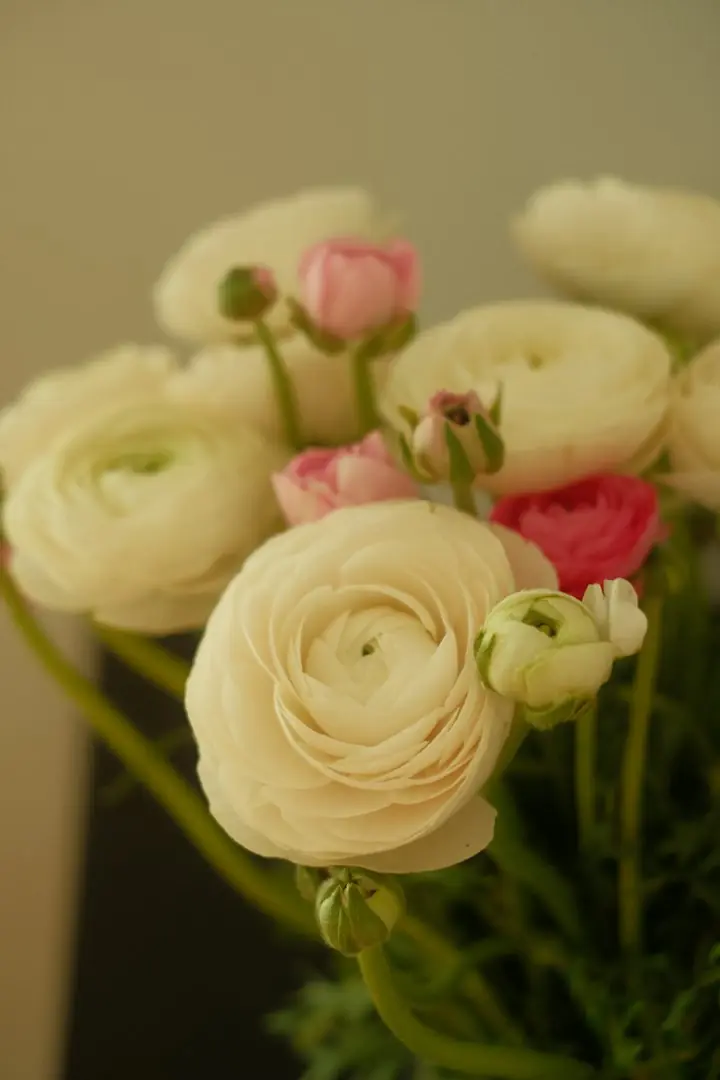
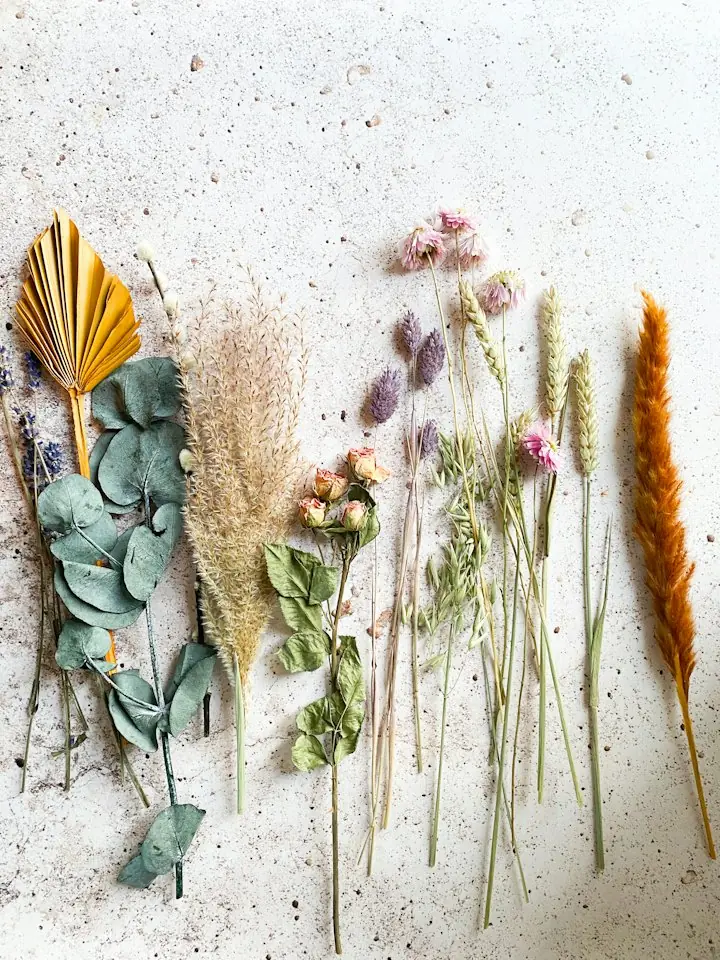
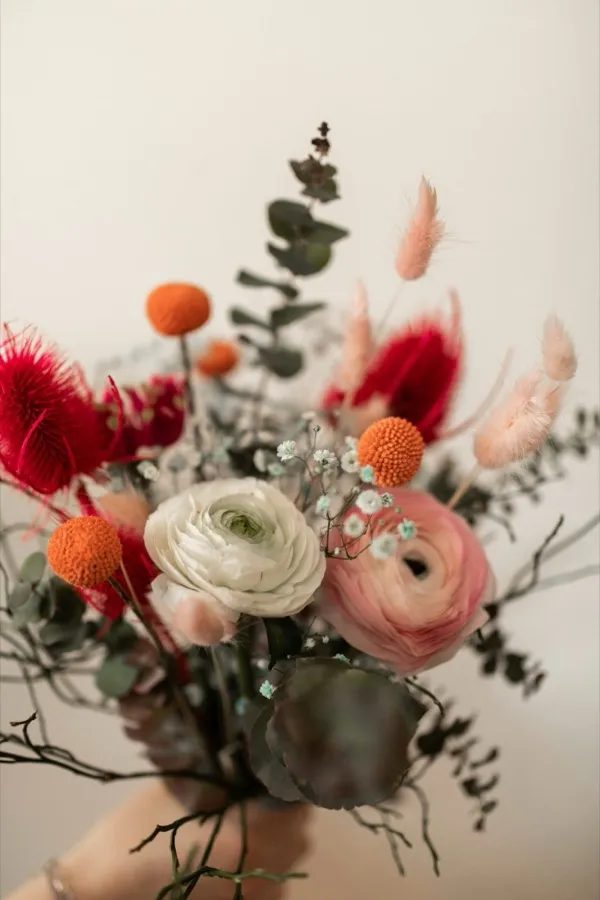
Oh dear. Oh dear, oh dear.There. Now that’s more like it.
What Tabitha finds
Everything she finds, sorted for you to check.
From a website or a folder, each suggestion lands where it belongs. Anything she wrote herself is marked Drafted by Tabitha.
-
Logos
Each with a role: primary, wordmark, icon or reversed. From a folder, the best version of each, with the older ones set aside.
-
Colors
Named, with hex codes. From a folder she builds the palette from your logos, leaving out plain black and white.
-
Fonts
Named, with whether they come from Google Fonts or Adobe Fonts. In a folder she reads the name stored inside each font file.
-
Words
Your tagline, a short summary, tone words and voice notes. If there’s no boilerplate or bio, she may draft one.
-
Details
People, contact details, links and offers, gathered from your website’s own pages.
-
Photos and keywords
Photos that catch the feeling of the brand, and keywords people might search you by.
 I’m a witch, not a forger.
The details
How many smart reads you get.
Reading a website or sorting a folder properly is one smart read, from a monthly pool for your whole account. When the pool runs dry, Tabitha does a quicker read by rules instead.
| Tabitha | Free | Creative | Studio |
|---|---|---|---|
| Tabitha smart reads a month, for all your brands | 5 | 100 | 300, plus 50 per extra seat |
| Website reads, up to 8 pages each | Included | Included | Included |
| Folder sorts, up to 300 files each | Included | Included | Included |
| A quicker read by rules when reads run out | Included | Included | Included |
| Brands, counting sub-brands | 1 | 20 | Unlimited |
The pool refills every month. Creative is $19 a month and Studio $39 a month for its first 2 seats. Prices in US dollars. See every plan.
Where her magic stops
- No new logos
- She builds your kit from the brand you already have. She doesn’t design a logo or invent colors.
- Nothing saved without you
- Every find is a suggestion. Nothing is added until you press the button that says so.
- Your files stay put
- To sort a folder she looks at small previews of the images and the first 20 pages of one brand guide. Only the files you tick are uploaded.
Read the film
This time, Tabitha does the setup. Drop in the whole brand folder, tidy or not. Logos, fonts, photos, even the brand guide.
Eleven files. Then, cast the spell.
She's read the guide and looked through every file.
Don't need a photo? Untick it.
You have the final say.
And Fern & Field is filled in: logos, colors, fonts and words, each where it belongs.
Got a website instead? Tabitha can read that, too.
Here, she's reading BrandTab's own site.
Logo, colors, fonts and words, some drafted by Tabitha herself. Keep what's right, and add it.
Start free at brandtab.co.
Good to know
Tabitha’s reads, answered.
If yours isn’t here, write to hello@brandtab.co. A person reads every note.
Say helloSort of. She builds a brand kit from what already exists: your website, your files, your brand guide. She doesn’t design new logos or invent a brand from scratch.
No. Everything she finds is a suggestion. Gaps come ticked, things you already have stay as they are unless you choose to replace them, and nothing is saved until you add it.
Up to eight public pages: your home page, plus a few about, services, press or contact pages.
Only the files you choose to keep. To sort the folder she looks at small previews of the images and the first pages of one brand guide; your full files stay on your computer until you tick them.
She does a quicker read by rules, which still finds logos, colors and fonts. Your reads refill at the start of the next month.
Partly. The free brand extractor pulls a website’s logo files, color palette and fonts, with no account needed. Tabitha’s smart read, with your words, contacts, links and photos, is inside BrandTab, where your first brand is free.
Keep reading
More about Tabitha.
Meet Tabitha: the AI brand kit generator who reads your website and sorts your messy logo folder
Read the post
Getting started with BrandTab in five minutes
Read the post
Tabitha’s file naming convention for brand files, so nobody opens final_FINAL_v7 again
Read the postExplore
More of BrandTab
The other features, and how BrandTab compares.
- Meet TabithaWho she is, and where her magic stops.
- Free brand extractorA site’s logo files, palette and fonts, no account needed.
- Brand libraryWhere everything she finds is filed.
- Quick copyCopy any of it with ⌘K, from any brand.
- BrandTab vs CanvaA brand kit inside a design editor, or one you copy from anywhere.
- BrandTab vs FrontifyAn enterprise brand platform, or a brand kit set up in minutes.

Founding prices through January 31
Your brand kit is one link away.
Paste your website, tick what Tabitha finds, and your first brand is done. It’s free, with 5 smart reads a month.
Your first brand is free. No card needed.