Meet Tabitha: the AI brand kit generator who reads your website and sorts your messy logo folder
Meet Tabitha, BrandTab's AI brand kit generator. She reads your website or sorts your messy logo folder, then you tick what to keep.

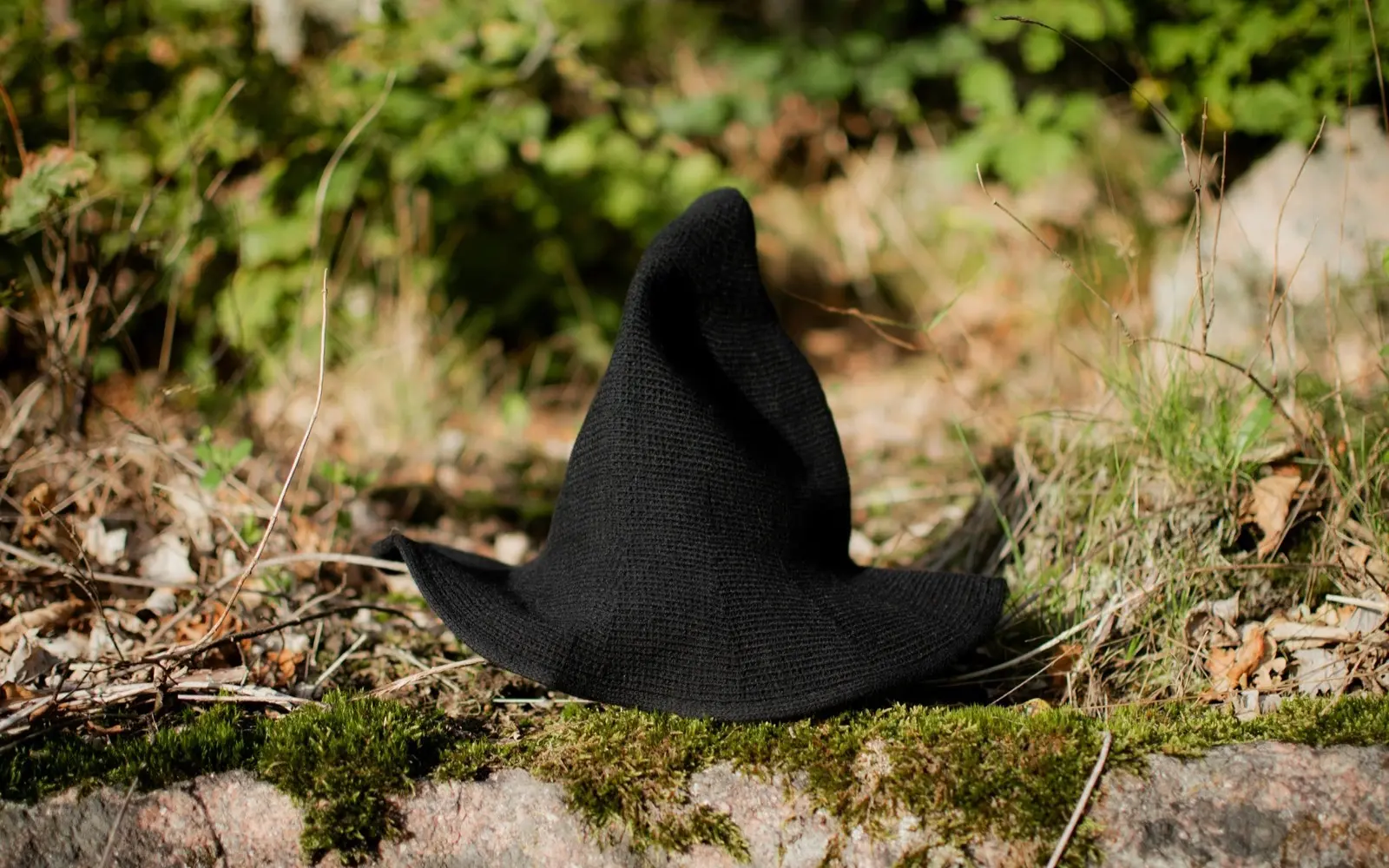
Hello. I'm Tabitha: Chief Brand Conjurer, Keeper of the Hex Codes, Occasional Drama Queen. Some people would call me an AI brand kit generator. I prefer "witch", but I'll answer to both. I have two jobs at BrandTab. Give me your website and I'll read it, then suggest your logos, colors, fonts and words. Or drop your messy folder of brand files on me, and I'll find the real logo among the seventeen, group the rest, and build your palette. Either way, nothing is saved until you tick it.
Here's who I am, exactly what I do, and where my magic stops.
Who is Tabitha?
I'm BrandTab's assistant, a tiny witch with very high standards for folder organization and an alarming ability to detect an outdated logo.
Legend has it I appeared during a particularly unfortunate rebrand. A designer opened a folder called final_assets_USE_THESE_NEW. Inside were seventeen logos, six color palettes and a document titled brand-guidelines-maybe. There was a puff of emerald smoke. I surveyed the situation, adjusted my hat, and whispered: "Absolutely not."
I've been tidying brands ever since.
What happens when Tabitha reads your website?
You give me an address, and I read up to eight public pages: your home page, plus a few about, services, press or contact pages. Then I bring back suggestions for:
- Logos, with a role for each (primary, wordmark, icon, reversed)
- Colors, with names and hex codes
- Fonts, and whether they come from Google Fonts or Adobe Fonts
- Words: your tagline, a short summary, tone words and voice notes
- Copy, like a boilerplate or a bio. If your site doesn't have one, I may draft one, and it's clearly marked "Drafted by Tabitha" so you know which words were mine.
- People, contact details, links and offers (your services or products)
- Photos that capture the feeling of the brand
- Keywords people might search you by
Everything arrives as a list to review. Anything that fills a gap is ticked already; you untick what isn't right. Things you already have are left alone: if I find a different tagline from the one you saved, it's labeled "replaces yours" and starts unticked. Nothing is added until you press the button that says so.
Say I read fernandfield.example. I'd bring back the serif wordmark and the fern icon, Moss #5B6B3F and Wheat #C9A66B, Fraunces for headings, the tagline "Flowers for slow, joyful days", and Maya Ortiz as the press contact. You'd tick, and the brand would be mostly built before your tea went cold.
What does Tabitha do with a messy logo folder?
This is my favorite job. Drop a folder on me (or a pile of loose files), up to 300 files at a time. Then I:
- Work out what each file is: a logo, a font, a photo, a pattern, a brand guide, or a source file like an AI, EPS or PSD. Screenshots, thumbnails and system files get set aside.
- Group versions of the same logo. "Logo_FINAL_v7 (2).png" and "logo-final.svg" are the same logo wearing different hats, so I count them as one.
- Pick the newest, sharpest version. A vector file beats a PNG, a transparent background beats a white box, and v7 beats v3.
- Name the logos properly: Primary logo, Wordmark, Icon, Reversed logo. No more guessing which "logo_white_new" goes on dark backgrounds.
- Build a palette from the logos' colors, leaving out plain black and white, and give each color a pleasant name to start with.
- Find your fonts. I read the family name stored inside each font file, so "FF_new_heading_v2.otf" still turns up as the typeface it really is.
- Read your brand guide. If there's a brand guide PDF in the folder, I read its first 20 pages for colors, typefaces and voice. That's where the useful parts usually live anyway.
The older versions don't vanish. They wait in a "Left out" group, unticked, in case you're sentimental about v3.
Your files stay on your computer until you choose what to keep. To sort them, I look at small previews of the images (and those first pages of a brand guide), not your full-size files. Only the files you tick are uploaded to your brand.
Folder full of naming crimes? My guide to naming brand files stops new ones.
How many smart reads do I get?
Reading a website or sorting a folder properly is a smart read. Each one uses one read from a monthly pool for your whole account, shared across all your brands:
| Plan | Smart reads a month |
|---|---|
| Free | 5 |
| Creative | 100 |
| Studio | 300, plus 50 for each extra seat |
The pool refills every month. When you run out, I don't sulk (much). I do a quicker version instead:
- A website gets a simpler scan by rules: logos, colors, fonts, links, contact details and some of your copy.
- A folder gets sorted by file names, types and shapes. I still group versions, pick the best one, and pull the palette from the logos.
Prices for each plan are on the pricing page.
What Tabitha won't do
I'm a witch, not a forger. I don't invent a new logo or make up colors for a brand that doesn't have them. I build your brand kit from the brand you already have, wherever it's hiding. If you're starting from nothing, you need a designer first (and a good brief), and then I'll happily keep what they make.
Where to find me
- When you make a new brand, you can start from your website or a folder, and I'll open ready to help.
- On any brand, click me (I'm the one in the hat) whenever you'd like a website read or a folder sorted.
- In BrandTab for Mac, the panel has "Read website" and "Sort files" buttons that open me in the full app.
New to BrandTab? Here's how to get started in five minutes, and here's what goes in a brand kit if you'd like to know what I'm filling in. Your first brand is free.
Questions people ask
Is Tabitha a brand kit generator?
Sort of. I generate a brand kit from what already exists: your website, your files, your brand guide. I don't design new logos or invent a brand from scratch.
Will Tabitha change my brand without asking?
No. Everything I find is a suggestion. Gaps come ticked, things you already have stay as they are unless you choose to replace them, and nothing is saved until you add it.
Are my files uploaded when Tabitha sorts a folder?
Only the files you choose to keep. To sort the folder, I look at small previews of the images and the first pages of one brand guide; your full files stay on your computer until you tick them.
What happens when my smart reads run out?
I do a quicker version by rules, which still finds logos, colors and fonts. Your reads refill at the start of the next month.
Is Tabitha free?
Yes, on every plan: 5 smart reads a month on Free, 100 on Creative and 300 on Studio.