
 See it all in three minutes
Brand library
A brand library for every logo, color and font.
BrandTab keeps each brand’s logos, colors and fonts in one tidy library, beside its voice, approved copy, links, contacts and photos. Click a logo to copy it as an image, or a color to copy its code. Your first brand is free, with every section; Creative holds 20 brands for $19 a month.
- Your first brand is free
- No card needed
- Every section on every plan
Founding price through January 31: Creative is $12 a month, and stays $12 for as long as you’re subscribed.
What’s inside
Every detail, in its own drawer.
Each brand has five groups: Style, Media, Copy, Details and Documents. Everything you keep in them is a click from your clipboard.
Logos, colors and type
Every version of the logo, on the background it was made for. Click one and it’s on your clipboard as a PNG. Open a color for every format, or copy the whole palette as CSS.
“Write like a handwritten note: warm, plain and unhurried. Name the flower and the season.”
Ready to copyVoice, snippets and search
Write the voice down once, keep the approved bios and boilerplate, and the titles search engines see. Each one is a click from your clipboard.



Mood boards and live boards
The feeling behind the brand, on boards that start from its own logo, palette and fonts, kept beside the details they shaped.
Also insideLinksContact detailsOffersPhotos and videosSub-brands
How it works
From scattered files to a library you can copy from.
Set it up once, with Tabitha’s help or by hand, then keep it current as the brand changes.
-
Start the brand
Give it a name, and its website if it has one. Then let Tabitha read the site, sort your folder, or start blank.
-
Check what’s filed
Logos, colors, fonts and words arrive as suggestions. Keep what’s right, change what isn’t, add what’s missing.
-
Copy it anywhere
Click a logo for a PNG on your clipboard, a swatch for its code, or press ⌘K to find any detail by name.
-
Hand it on
Download a file, print the brand sheet, or on Creative and Studio send one link with everything on it.
Sound familiar?From junk drawer to library
Where brand files go to hide.
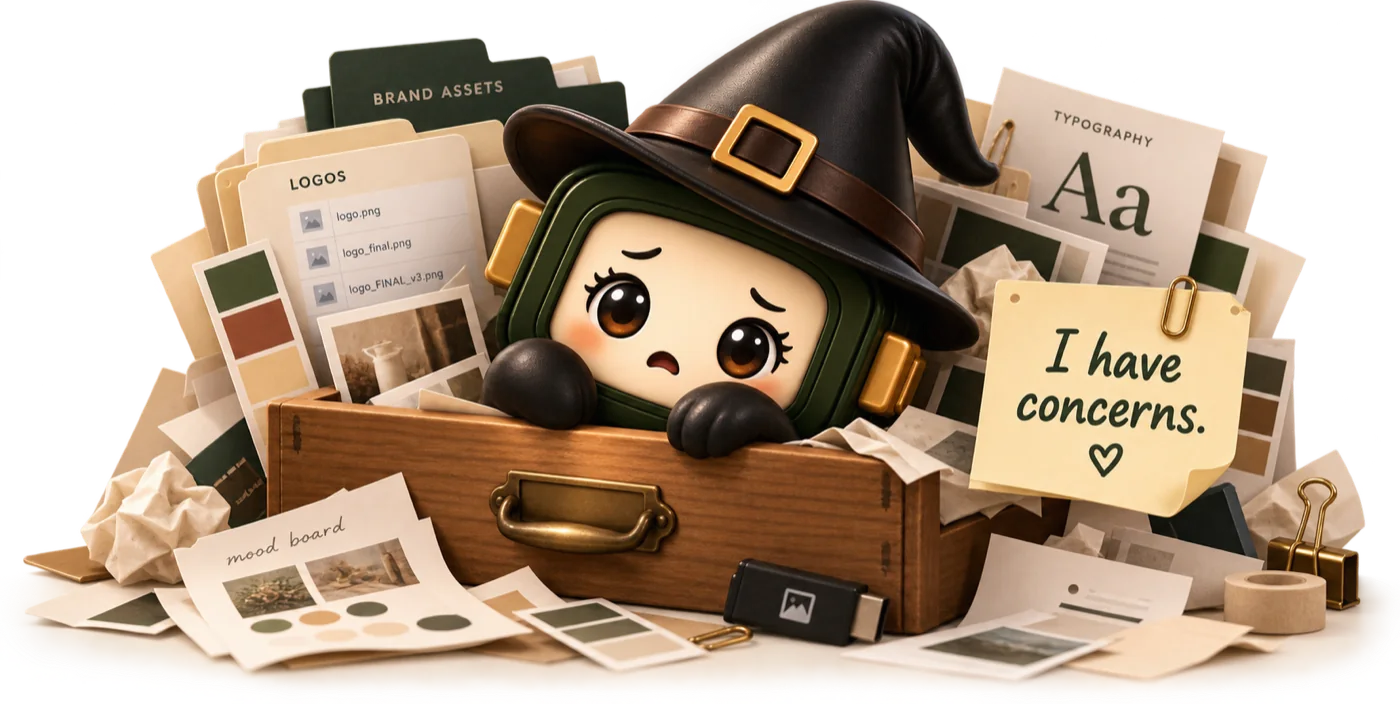
The logo is in Downloads, the real green is in an old email, the good bio is in somebody’s notes. Hand Tabitha the folder and she sorts it into the library for you to check, or file things yourself, a section at a time.
Logos
Colors
Words
Mood board

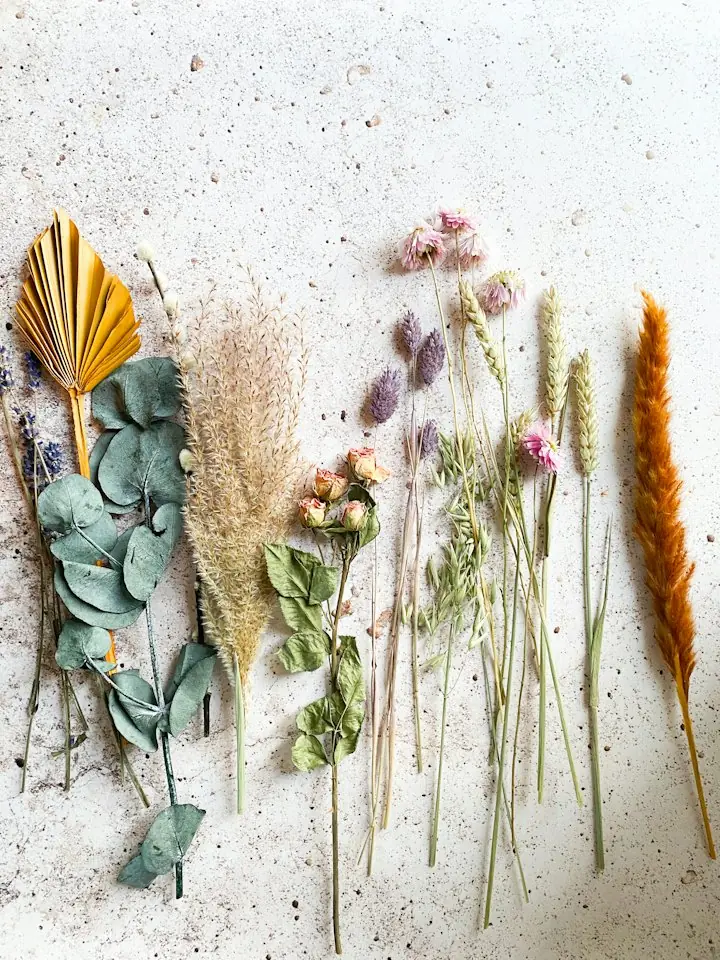
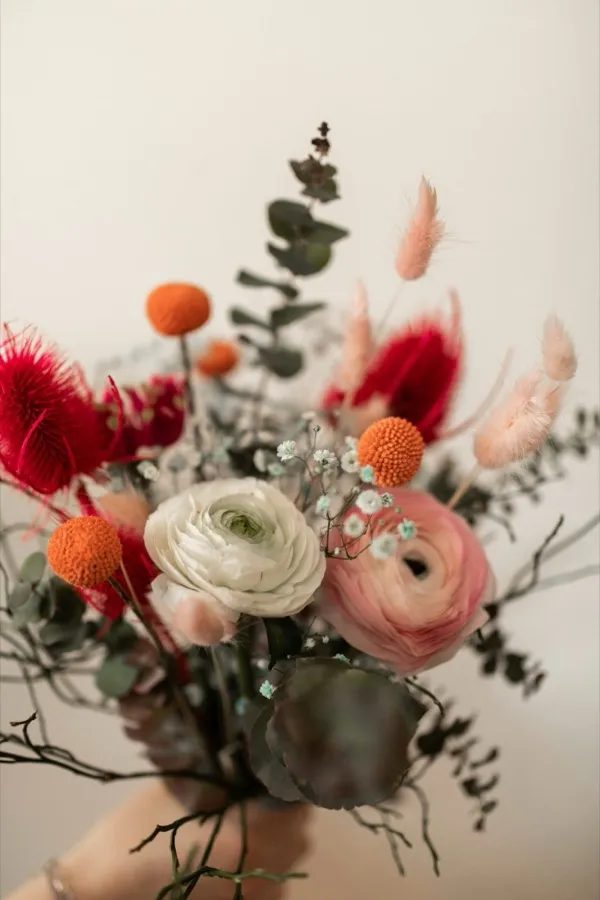
I have concerns.There. A place for everything.
The details
What each plan holds.
Every plan has every section of the library. The plans differ in how many brands you keep and how much room you get.
| Brand library | Free | Creative | Studio |
|---|---|---|---|
| Brands, counting sub-brands | 1 | 20 | Unlimited |
| Room for files | 500 MB | 20 GB | 100 GB, plus 25 GB per extra seat |
| Every section of the library | Included | Included | Included |
| Logos copied as images, colors as code | Included | Included | Included |
| Tabitha smart reads a month, for all your brands | 5 | 100 | 300, plus 50 per extra seat |
| Share links and media kits | Not included | Included | Included |
| Clients view and copy their own brand, free | Not included | Not included | Included |
Creative is $19 a month and Studio $39 a month for its first 2 seats. Prices in US dollars. See every plan.
The five groups
- Style
- Logos, Colors, Type and the Mood Board
- Media
- Photos and videos
- Copy
- Voice, Snippets (your approved words) and Search
- Details
- Links, Contact and Offers
- Documents
- Media Kits and Live Boards
Read the film
Every version of Fern & Field's logo, each on the background it was made for.
Click the monogram, and it's on your clipboard as a PNG. No digging through folders. Next, the palette. No more guessing which green is the real one.
Open a color for every format, and how well text reads on it.
Or copy the whole palette as CSS.
Then the type: Fraunces for headings, Avenir Next for body, and where each one comes from.
Start free at brandtab.co.
Words are part of the brand, too. Write the voice down once, and every writer starts from the same place.
Remember that perfect bio someone wrote? It lives here now.
One click, and it's on your clipboard.
And the words search engines see, each with its length beside it.
Copy a title, or every keyword at once.
Start free at brandtab.co.
This is everything you get asked for, week after week. Links first.
The Instagram link? One click, copied. Then contact details, so nobody's using an address that changed last spring.
Copy the farm's address, and it pastes neatly on one line. Weekly bouquets, wedding flowers, a workshop at the farm. Each one with its price and a link. And the photos, sorted, so the good ones are easy to find again.
Open one to download it or copy the image.
Start free at brandtab.co.
Good to know
The library, answered.
If yours isn’t here, write to hello@brandtab.co. A person reads every note.
Say helloOne place for everything that makes a brand: its logo files, palette, fonts, voice, approved copy, links, contacts and photos. In BrandTab each brand gets its own library, so every brand’s details stay apart from the rest.
SVG, PNG, JPG, WebP and GIF logos show as pictures you can copy and download. PDF, AI, EPS and PSD files can be kept with them as source files.
Yes. Click a logo in BrandTab and it lands on your clipboard as a PNG, ready to paste. BrandTab for Mac does the same from your menu bar, even when the logo is an SVG.
500 MB on Free, 20 GB on Creative and 100 GB on Studio, plus 25 GB for each seat beyond the 2 included.
Free holds one brand. Creative holds 20, counting sub-brands, and Studio has no limit.
No. Tabitha can read your website or sort a folder of brand files and suggest what goes where, for you to review. Free includes 5 of these smart reads a month.
Keep reading
More on keeping a tidy brand.

What is a brand kit? Examples, and a checklist of what goes in one
Read the post
Tabitha’s file naming convention for brand files, so nobody opens final_FINAL_v7 again
Read the post
Logo file formats: what files a designer should give you, and which one to use where
Read the postExplore
More of BrandTab
The other features, and how BrandTab compares.
- Brand kit from your websiteLet Tabitha fill the library from your site or folder.
- Quick copyFind anything in the library with ⌘K and copy it.
- Share pages and media kitsSend the library to someone as one link.
- BrandTab vs Google DriveA shared folder, or the finished brand ready to copy.
- BrandTab vs BrandfolderAn asset manager for big libraries, or a small brand’s essentials.
- BrandTab vs NotionA free brand page, or ready-made sections and logo downloads.

Founding prices through January 31
Give your brand a proper home.
Start with one brand, free, with every section of the library. Add the rest of your creative universe when you’re ready.
Your first brand is free. No card needed.